




Private AIFor law, advisory and defense firms Book the free diagnostic
Private AI for firms that keep client information private

AI on client work that never leaves your firm.

You cannot send client information to public AI services, and the work still needs a useful AI workflow. We set up one workflow inside your own boundary, write the scope down first, and agree an acceptance check before any live data runs.

The first conversation uses a sample workflow and test data. No client files.

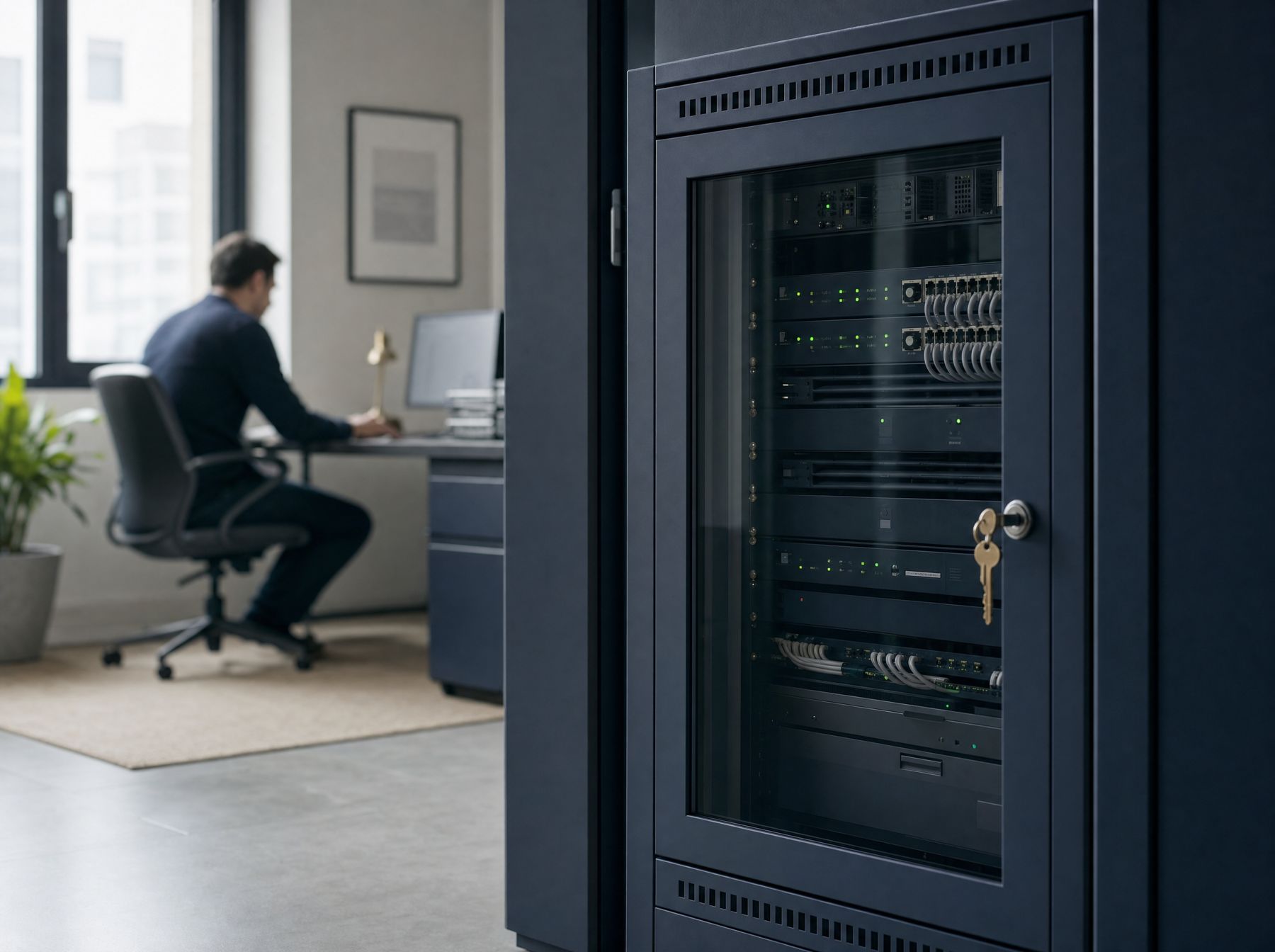
A quiet private office at dusk with a closed frosted glass door, a locked laptop screen and a closed server cabinet

Inside your boundary

  • Your client and matter files
  • The one agreed AI workflow
  • A record of what it may hold

At the line: nothing goes out unless you allow it.

Your world

Your clients pay you to keep their information private.

That promise is why the easy AI tools are off the table. It is also why the work keeps piling up by hand.

The rule is clear

Client files do not go into public AI services. Your firm rules, your engagement terms and your clients all expect that.

The work is still there

Summaries, drafts from your own templates, questions across your own documents. The repeat work does not wait.

What it costs

Firms that can use AI on their work move faster, while yours does it all by hand. The other risk is quieter: staff using a public tool because nobody gave them a safe one.

"Turn off the data sharing outside your data silo."

A lawyer's advice to other lawyers on AI tools, r/LawFirm
A corridor of frosted glass meeting rooms with one door closed and locked
Who does the work

One accountable person, and everything in writing.

Mike Rodgers, Rodgers Intelligence Group, Denver, scopes the workflow with your people, builds it, writes the acceptance checks you approve before the build starts, and stays until a named owner on your team can run it.

  • A scope memorandum before any build
  • Test data before live data
  • A record you can inspect, with documented update rules
What is included

Three steps. You decide at each one.

Start free. Hardware fit, hosting, access rules, retention, integrations and support are agreed per engagement, in writing.

P1

Free diagnostic

A first look at one workflow and its data boundary, using a sample workflow and test data. You leave with a short read: what fits, what does not, and what it would need.

Free

P2

Private pilot

One AI workflow on your own hardware or a private host. A scope memorandum first, test data first, and a written acceptance check before any live data is considered.

Scoped after a short brief

P3

Handover and care

Operator documentation, training and support boundaries in writing. A named owner on your team runs it, and the acceptance checks rerun after any change.

Scoped after a short brief

What is inside each step
InsideP1Free diagnosticA first look at one workflow and its data boundaryP2Private pilotOne workflow running inside your own boundaryP3Handover and careYour people run it, with support agreed in writing
What happensWe map one workflow, what it touches and where it could runOne AI workflow on your own hardware or a private hostOperator documentation, training and support boundaries
Data usedA sample workflow and test data. No client filesTest data first. Live data only after the acceptance check passesOnly what the scope memorandum allows
Written down firstA short read: what fits, what does not, what it would needA scope memorandum: what it does, where it runs, what is out of scopeSupport boundaries and update rules
ChecksYour firm rules are the starting pointA written acceptance check before any live data is consideredAcceptance checks rerun after any change
Record you can inspectA sample memory record, so you see the formatAn inspectable memory record with documented update rulesThe record stays with your firm
Where it runsOptions discussed, nothing installedYour hardware or a private host, agreed per engagementWhere you agreed, nowhere else
Who owns itYou decide whether to go furtherMike builds it with your peopleA named owner on your team runs it
PriceFreeScoped after a short briefScoped after a short brief
Your kind of firm

What it does for your firm.

Every capability is scoped per use case. These are the kinds of work it can take on, inside your own boundary.

Choose your firm

Law firms

Work it can take on, inside your boundary

  • Matter document summaries for the attorney on the file
  • Drafts from your own templates and precedents
  • Plain questions across your own policies and past work
  • Intake notes organized for review

What you get

AI help on client matters without sending a privileged file to a public service.

How it stays inside

Runs inside your boundary, drafts only, an attorney reviews before anything is used, and the record shows what the AI was allowed to hold.

Power unit · sealed inside the car

Assess. Pilot. Hand over.

One workflow, one agreed environment, agreed before work starts. Like an engine sealed inside the car, it is never handed to anyone outside your team.

Sector 1

Assess

Own machine or private host, the proposed workflow, and what recovery would need. Your firm rules come first.

Sector 2

Pilot

Connect one agreed workflow to a reviewable memory store. Test data first. Live data only after the acceptance check passes.

Sector 3

Hand over

Acceptance checks, operator documentation and support boundaries, agreed before work starts and handed to a named owner.

Safety, stated plainly

What stays inside, and what we will not claim.

Careful firms read this part first. So it is written as commitments you can check.

Your boundaryThe workflow runs on your own hardware or a private host you agree to.
No client files to startThe diagnostic and first tests use a sample workflow and test data.
A written check firstLive data is considered only after a written acceptance check passes.
A record you can readAn inspectable memory record shows what the AI may hold, with update rules.
A person reviewsOutputs are drafts. A named person on your team reviews before anything is used.
One named ownerSomeone on your team owns it after handover, with support boundaries in writing.

Included

  • One workflow, one agreed environment
  • A scope memorandum: what it does, where it runs, what is out of scope
  • An inspectable memory record with documented update rules
  • A written acceptance check before any live data
  • Operator documentation and support boundaries

Not included

  • A security certification
  • A promise that an environment is already deployed
  • Legal, compliance or ethics advice: those calls stay with your firm
  • Any claim about recovery time, memory accuracy or privacy assurance beyond what the written checks show
Worked example

See what the AI is allowed to hold.

Most private AI is sold as a box you cannot look inside. This record is the opposite: a plain document your partners can read.

A printed scope memorandum with navy underlines and check marks beside a closed leather folder
What others leave out

Written down, before anything runs.

Private AI is usually sold hardware first. This starts with the paper your partners will ask for.

UsuallyPrivate AI
First stepA product demoA free diagnostic with test data, no client files
Written scopeA deployment quoteA scope memorandum before any build
Live dataStarts at installOnly after a written acceptance check passes
What the AI holdsHard to seeAn inspectable memory record with update rules
What is not includedRarely statedStated plainly, including that this is not a security certification
After setupA support ticket lineA named owner on your team and support boundaries in writing
Start free

Talk through your data boundary.

A free 30-minute diagnostic of one workflow, with a sample workflow and test data. You leave with a short read of what fits and what does not, whether or not you go further.

Book the free diagnostic

Your email app should open now. Nothing is sent until you press send there.

Questions partners ask first.

No. The first discussion uses a sample workflow and test data.