Your job runs on a spreadsheet only one person understands.
When no tool on the market fits the job, we build the one part that does: one useful flow, with permissions and acceptance tests you agree before the build starts, handed to a named owner on your team.
Free conversation. Every build is scoped after a short brief, in writing.
| A | B | C | D | E | F |
|---|---|---|---|---|---|
| Job | Who | Status | Next | Notes | Old |
| 1042 | ? | late | call | see tab 3 | x |
| 1043 | Dana | done | copy of | ||
| 1044 | ? | waiting | ??? | ask Dana | x |
| 1045 | Lee | late | v2 FINAL | ||
| 1046 | dup? | x |
- Job 1042Owner named
- Job 1044Check due
- Job 1045Follow up today
- Job 1046Owner named
Example screens, not a client.
You run a job the software market never built for.
The tools you pay for cover most of the work. This one job falls between them.
The tool you need does not exist yet.
Every product you tried almost fit, and almost is where the workarounds start.
The job lives in spreadsheets and one person's head.
When that person is out, the job waits. When the sheet breaks, nobody knows which copy is right.

A custom build nobody can maintain.
That is why every build here starts small, is tested against checks you agreed to, and ends with a named owner and a record of what was built.
So where do you start?
Start with the step that fits the job.
If the job is clear, we build. If it crosses several systems, we look first. Either way the first step is a free conversation.
Talk it through
You know the job and want a straight answer.
A plain next step for the job.
Review first
The workflow crosses several systems and is not clear yet.
A written plan for that workflow; the build is separate.
Build the tool
The job is clear and no tool on the market fits it.
One scoped tool: an internal app, a client-facing app, or a decision and routing tool.
What is inside each step
| Inside | P1 Talk it throughYou know the job and want a straight answer | P2 Review firstThe workflow crosses several systems and is not clear yet | P3 Build the toolThe job is clear and no tool on the market fits it |
|---|---|---|---|
| Starting point | A free 30-minute readiness conversation about the job | The One-Workflow Review: one workflow across up to three connected systems, investigated before a build | Your short brief, in plain language |
| What you send | The job in a few sentences | Access to the workflow as agreed in writing | Who uses it, what comes in, what decision follows, what must never happen |
| What you get | A plain next step for the job | A written plan for that workflow; the build is separate | One scoped tool: an internal app, a client-facing app, or a decision and routing tool |
| First version | Not part of this step | Not part of this step | One useful user flow with permissions, tests and handover |
| Acceptance checks | Not part of this step | Written into the plan | Agreed before the build starts, so done is a fact and not an opinion |
| If a check fails | Not part of this step | Not part of this step | The failure is documented and reworked before handoff |
| Evidence at handover | Not part of this step | The written plan | A delivery index: what was built, the tests that ran, what they verified and what they did not |
| Who owns it after | You decide the next step | You decide whether to build | A named owner at your firm receives the handover |
| Out of scope | Sales pressure | Changes to your systems while we look | Arbitrary production systems. One bounded tool at a time |
| Price | Free | Scoped after a short brief | Scoped after a short brief |
Which kind of tool is it?
What it does for the job you have.
Most missing tools are one of three kinds. The examples below are typical jobs, not client builds.

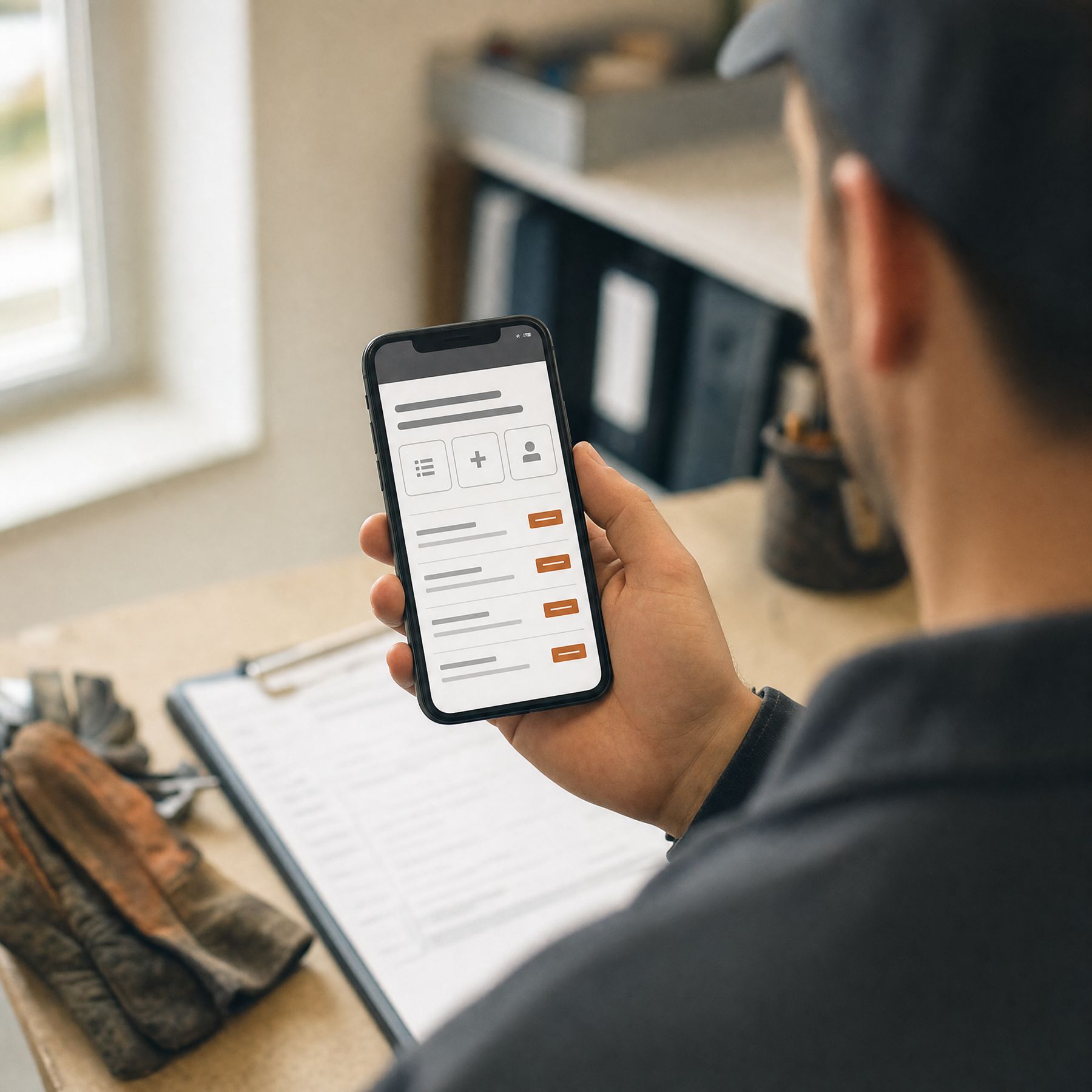
Internal app
Typical jobs
- The tracker your team keeps in a spreadsheet
- A job that needs a few people to update the same record
- Approvals that live in email threads
- A checklist that has to be followed the same way every time
What you get
The job lives in one place your team can use at the same time, instead of one person's spreadsheet.
How it stays safe
Each person sees and changes only what their role allows, and what must never happen is written as a test.
Client-facing app
Typical jobs
- A simple page where clients send what you need
- A status view clients can check without calling
- A form that collects the job details in the right order
What you get
Clients give you what you need in one pass, in the shape your team works with.
How it stays safe
Client information is collected only as the brief allows, and the acceptance checks cover what a client must never see.

Decision and routing tool
Typical jobs
- Send each request to the right person by its rules
- Score or sort incoming work the way your best person would
- Flag the cases that need a second look
What you get
The rule your best person carries in their head is written down and applied the same way every time.
How it stays safe
The routing rules are agreed in writing first, and every rule has a test that shows what it does with a real example.
Four steps. Done is a fact, not an opinion.
The checks are written before anything is built, so you know in advance what the finished tool must do.
Describe
The workflow in plain language: who uses it, what comes in, what decision follows, what must never happen.
Agree the checks
What working means, written as acceptance tests and agreed before the build starts.
Build the first version
One useful user flow with permissions, tested on your own examples. A failed check is documented and reworked.
Hand over
The tool, its tests, its delivery index and a named owner at your firm who runs it from here.
And what keeps it safe?
Built to fit one job, and nothing it should not touch.
These are written into the scope and the tests, so you can check every one of them at handover.
- ✓What must never happen goes in your brief and becomes an acceptance test.
- ✓Each person sees and changes only what their role allows.
- ✓Client information is used only as the brief allows.
- ✓If a written check fails, the failure is documented and reworked before handoff.
- ✓The delivery index states what a test verified and what it did not. It is not a claim of production readiness.
- ✓One bounded tool at a time, not changes across your whole system.
 Made to fit · the part no supplier makes
One accountable person.
Mike Rodgers, Rodgers Intelligence Group, Denver. He scopes the work with your people, builds it, writes the acceptance checks you approve before the build starts, and stays until a named owner on your team can run it.
After handover, the job runs in a tool built for exactly it, and the person who owns it knows how it works.

The parts most custom builds skip.
Patterns from the custom-software offers small firms are shown today. No names, just the gaps.
| Others | Custom Apps | |
|---|---|---|
| What done means | The demo looked right | Acceptance tests agreed before the build starts |
| What must never happen | Rarely asked | Written into the tests from your brief |
| Claims on the page | Hours-saved and cost-cut estimates | Only what a test run verified, and what it did not |
| After handover | A care plan | A named owner at your firm with the delivery index |
| Size of the first build | A platform to learn | One useful user flow first |
Start the brief now. It takes four answers.
Write your brief now. Keep it either way.
Four answers turn the job into the exact facts a scope needs. Copy it for yourself, or send it to Mike.
Questions owners ask first.
What counts as done?
The acceptance tests agreed before the build starts, plus the delivery index handed over at the end.
Do we get the tool and its tests?
Yes. The handover covers the scoped user flow with its permissions, its tests and the delivery index.
Who owns it at the end?
A named owner at your firm, with the delivery index and what each test verified.
What does it cost?
The conversation is free. Every build is scoped after a short brief, and the quote is in writing before work starts.
What if the workflow is not clear yet?
Start with the One-Workflow Review: one workflow across up to three connected systems, investigated before anything is built.
What is out of scope?
Arbitrary production systems. Each build is one bounded tool, and the evidence shows what a test run verified, not production readiness.